Love Counter – Time in Love
- 4.7
- Rating
- 1.00M
- Installs
- Free
- Price

 Analysis by App-foxy
I like small apps that do one job clearly, and Love Counter – Time in Love takes that approach. It is a lifestyle app for people who want to keep an eye on how long a relationship has lasted, without turning the idea into a complicated diary, social network, or planning tool. After using it, I see it as a simple relationship milestone companion: you enter the important starting point, check the elapsed time, and return whenever you want a quick reminder of the journey.
The appeal is easy to understand. A calendar can tell you the date, while a normal calculator can work out the difference between two dates, but neither feels designed around the emotional meaning of that period. This app puts the relationship itself at the center. That makes it useful for a partner who enjoys anniversaries, a couple who likes counting small milestones, or someone who wants a gentle reminder of shared time during an ordinary day.
My overall impression is that the app works best as a focused keepsake, not as a complete relationship organizer. It is free to install, suitable for everyone, and made by Oleksandr Dudynets. Its current version is 2.4.0, and it runs on Android devices using version 7.0 or later. Those details make it accessible to many older phones, although the experience is intentionally narrower than what you would get from a calendar, notes app, or relationship journal.
You May Also Like

 Blood Strike: 2.5 Anniversary
Blood Strike’s Loadouts Turn Every Drop Into a Tactical Gamble
A close look at Blood Strike’s custom loadouts: how fast access to signature weapons reshapes its battle royale rhythm, rewards preparation, and narrows the gap between fights.

 Pandora - Music & Podcasts
Pandora’s Music Is Easy to Start, but Harder to Recover
Pandora’s strength is its low-effort path from a seed to a station. Its weak spot is how much confidence it asks you to place in connection, setup, and quiet recovery.

 8 Ball Pool
 Is Built on Rivalries, Rematches, and Routine
A close look at the rivalries, rematches, shared routines, and unanswered safety questions that turn a quick pool match into a persistent mobile community.

 Samsung Music
’s Quiet Strength Is Playing What You Already Own
Its reach comes less from spectacle than from dependable access to a personal library. That simplicity is both the app’s strongest retention engine and its ceiling.

 AccuWeather: Weather Radar
AccuWeather Review: A Quick, Clear Forecast for Everyday Decisions
For everyday plans, the best forecast is the one you can understand quickly. AccuWeather makes rain timing, radar, and local conditions easy to act on, with a few trade-offs.

 Hill Climb Racing
Why Hill Climb Racing Still Turns Crashes Into One More Run
A tiny car, a bumpy hill and one more upgrade: Hill Climb Racing keeps resurfacing because its simple chaos makes every near-miss feel personal.
More From Our News Desk
View All News


From entering a relationship date to checking the result
I’d begin by choosing the date you and your partner genuinely want the counter to represent, rather than rushing to enter the first date that comes to mind. That small decision makes later checks feel more meaningful and avoids having to reinterpret the result. From there, I’d look at how the app’s straightforward setup supports a quick check-in without turning a personal milestone into a complicated task.
The starting condition: one meaningful date
The first step is deciding which date should represent the beginning of the relationship. That sounds obvious, but it is actually the most important choice in the whole workflow. Some couples use the day they first met, others choose the first official date, and some prefer the moment they agreed to become a couple. Love Counter can only be as meaningful as the date you decide to place at its center, so I would take a moment to agree on that before setting it up.
This is also where the app differs from a general-purpose date calculator. A calculator treats two dates as neutral inputs. Here, the date is personal, and the result is meant to be revisited emotionally rather than used for work or scheduling. If you and your partner remember the beginning differently, this is a good opportunity to settle the question together instead of quietly choosing a date that may later feel inaccurate.
For someone starting a new relationship, the app may feel premature if the date is still uncertain. For a long-term couple, it can be a pleasant way to preserve a detail that might otherwise be buried in old messages or photographs. I especially see value for people who remember the month but not the exact day; the app encourages you to make that starting point explicit, even if the decision requires a little conversation first.
The setup flow: keep the input deliberate
Once the starting date is clear, the practical workflow is straightforward: open the app, provide the relationship information it asks for, and check the counter it creates. The strength here is the short path between opening the app and seeing the result. There is no need to build a profile, write a long entry, or organize a collection of memories before the central purpose becomes useful.
I recommend entering the date when you are not rushing. A wrong year or an accidental day can make every later result feel strange, and a counter is not very helpful if you are constantly wondering whether the original input was correct. This is one of those apps where careful setup matters more than advanced technique. The best “tip” is simply to verify the date against a message, photograph, calendar entry, or your partner’s memory before treating the result as official.
The app’s free availability lowers the barrier to trying it. There is also an in-app purchase price of $4.99 per item, so anyone considering optional paid content should look at the purchase choices inside the app before committing. I would not install it expecting a large suite of free relationship tools; its value comes from the focused counter experience, while paid items should be considered only if the available additions match what you personally want.
Reading the counter in everyday life
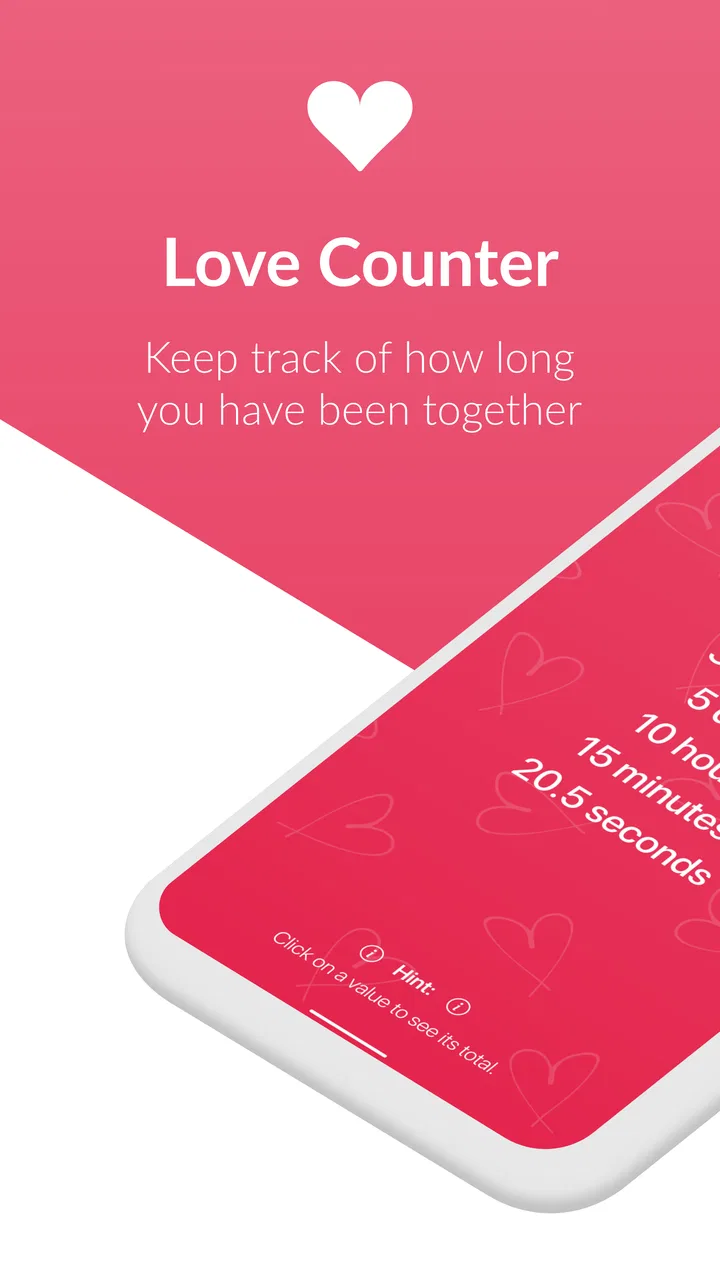
After setup, the main outcome is a running view of the time you have been together. That makes the app easy to use in short moments: while waiting for a train, remembering an anniversary, or showing a friend a small milestone. You do not need to prepare a report or calculate anything manually. The app turns the original date into an ongoing reference point.
A realistic example would be a couple planning a quiet evening after work. One person remembers that the relationship has reached another milestone but is unsure of the exact elapsed time. Instead of searching old conversations or counting through calendar pages, they open Love Counter and use the displayed result as a starting point for the conversation. The app does not replace the celebration; it removes the small piece of arithmetic that gets in the way.
Another useful scenario is long-distance communication. When a couple is not together every day, a quick look at the counter can become a small ritual during a call or message exchange. It is not a substitute for talking, and it cannot create intimacy by itself, but it gives both people a shared point of reference. That is a modest feature in practical terms, yet it can matter when ordinary routines are harder to maintain.
The handoff from app result to real-world action
The most interesting part of this kind of app happens after the number or duration appears. The counter is an input for a human action: sending a message, choosing a gift, planning dinner, or simply pausing to remember something good. I would not judge the app only by how much information it displays. Its success depends on whether that information prompts something meaningful outside the screen.
For example, I could use the displayed time to decide that a normal weekday deserves a small gesture rather than waiting for a major anniversary. That is a better use than opening the app repeatedly without doing anything with the reminder. The counter is most effective when it becomes part of a routine: check it occasionally, then connect it to a conversation or memory.
There is also a useful handoff between partners. One person may set up the date, while the other uses the result as a surprise idea or conversation starter. Because the app is centered on one relationship date, it is easy to explain and share informally. At the same time, that simplicity means it should not be mistaken for a shared workspace. If you need both people to edit plans, attach photos, assign tasks, or maintain a detailed history, a calendar or couple-focused journal will be a better destination for that information.
What the result is good for
The result is strongest when you want a quick, emotionally framed answer to one question: how long have we been together? It gives that question a dedicated home instead of making you search through unrelated calendar events. The experience feels more personal than opening a spreadsheet, and less demanding than maintaining a full diary.
It can also help people who enjoy precise milestones. Some couples celebrate broad anniversaries, while others enjoy noticing smaller stages along the way. A running counter makes those moments visible without requiring manual calculations. If you like marking progress, the app gives you a convenient reference that can support your own traditions.
Still, I would keep expectations realistic. A counter cannot explain what happened during that time, preserve the story of a first trip, or remind you why a particular date matters unless you record those details elsewhere. The displayed duration is a prompt, not a complete memory system. That limitation is not necessarily a flaw, but it is important when deciding whether this app is enough for your needs.
Where the workflow breaks down
The first possible break is an unclear starting date. If the relationship began gradually, a single date may oversimplify the story. The app can still provide a useful reference, but the result may feel artificial if both partners disagree about what the date represents. In that situation, a personal note or shared timeline may handle the nuance better.
The second break is expecting the app to manage every milestone automatically. Love Counter is built around elapsed relationship time, not around a broad collection of reminders and plans. If your main need is remembering birthdays, booking a restaurant, coordinating a trip, or storing shared photos, a standard calendar or notes service will probably be more practical. You could use both, but this app should remain the small, dedicated layer rather than the main relationship-management system.
A third issue is emotional context. Seeing a large duration can be sweet when the relationship is going well, but it may feel uncomfortable during a difficult period. A running counter does not understand arguments, separation, or changes in how a couple describes its relationship. I would treat it as an optional personal tool, not as a measure of relationship quality. The number says how much time has passed; it says nothing about how that time felt.
There is also a practical trade-off around paid items. The app is free, which makes experimenting easy, but optional purchases at $4.99 per item mean the final experience may depend on whether you want extras beyond the basic purpose. I would first use the core counter and decide whether it already does what you need. That avoids paying for additions before you know whether the simple workflow fits your habits.
Who should use it and who should skip it
I would recommend it to someone who wants a lightweight relationship milestone app, dislikes manual date calculations, and prefers a dedicated screen over a general calendar. It is a good match for couples who enjoy small rituals, people who like seeing elapsed time, and users looking for something uncomplicated on an older Android phone. Its Everyone content rating also makes it broadly approachable for ordinary personal use.
I would be more cautious if you want deep customization, shared editing, a memory archive, or serious scheduling tools. A couple who already keeps a detailed shared calendar may find that the app adds little beyond a single counter. Likewise, someone who does not care about relationship-duration milestones may open it once and then forget it. The focused design is its advantage only when that focus matches your reason for installing it.
The app has reached over 500 thousand installs and holds a 4.1 average from around 800 ratings, with roughly 110 written reviews. Those figures suggest that the idea has found a real audience, although popularity should not be confused with a guarantee that every couple will enjoy the same workflow. I would read the overall reception as evidence that the concept is clear and useful to many people, while still recognizing that its narrow scope will naturally limit its appeal.
How it compares with the usual alternatives
Compared with a calendar, Love Counter is more emotionally direct but less versatile. A calendar is better for reminders, events, and planning because it can hold many kinds of dates. This app is better when you want to open one place and immediately see the relationship duration without filtering through appointments.
Compared with a notes app, it requires less ongoing effort but preserves less context. A note can contain a story, a list of memories, or a collection of important dates, while the counter gives you a live reference built around the starting point. If writing and collecting memories are the main attraction, use a notes app. If the number itself is what you want to revisit, this is the cleaner choice.
Compared with a general date-difference calculator, the app feels more personal and repeatable. A calculator is excellent for a one-time answer, especially when comparing unusual dates, but it does not create the same dedicated relationship ritual. On the other hand, a calculator may be preferable when you need several date comparisons or a result unrelated to a relationship. The right choice depends on whether you want a reusable emotional reference or a flexible mathematical tool.
Privacy-minded habits and setup advice
Because the app is about a personal relationship, I would use a little care when choosing what to enter and where to use it. Keep the starting date accurate, avoid treating the displayed duration as sensitive proof of anything, and remember that a simple counter should not become the only place where important memories or plans are stored. If the date matters deeply, keep a separate backup in a calendar or private note.
I would also agree with your partner about the meaning of the date before making it part of a shared ritual. That small handoff prevents an avoidable disagreement later. If one person considers the first meeting the beginning and the other considers the official relationship date the beginning, the app cannot resolve the difference for you. The conversation is part of the setup, not a problem the software can solve.
My final view after following the complete workflow
Love Counter – Time in Love succeeds because it keeps the path short: choose a meaningful beginning, enter it carefully, return to the app, and use the elapsed time as a prompt for something real. I appreciate that it does not try to become a social platform or a complicated diary. For the right user, that restraint makes it pleasant and easy to remember.
Its limitations are equally clear. It is not a replacement for a shared calendar, a photo archive, a journal, or a planning tool. The result can also feel less useful when the starting date is disputed or when a relationship’s history cannot be represented by one point on a timeline. Optional purchases deserve a deliberate decision rather than an automatic upgrade.
For me, this is worth trying if you want a small lifestyle app that turns a relationship date into an ongoing reminder. I would install it for the counter, verify the date with my partner, and then connect the result to occasional messages or simple celebrations. If that sounds like a meaningful habit, the free app is an easy choice. If you need a broader shared system, I would choose a calendar or journal instead and treat this as unnecessary rather than essential.
My recommendation: use it as a gentle relationship ritual, not as a complete record of your life together. That is where this focused app feels most natural, and where its simple workflow delivers the most value.
FAQs for Love Counter – Time in Love
01What is Love Counter – Time in Love used for?
Love Counter – Time in Love is an app designed for couples who want to keep track of the duration of their relationship. It offers features like anniversary reminders, customizable widgets, and shared moments to help partners celebrate their journey together. The app serves as a digital diary to cherish your time in love.
02Is Love Counter – Time in Love free to use?
The app offers a free version with basic features, allowing users to track their relationship duration and set simple reminders. However, there is a premium version available that unlocks additional features such as customization options, ad-free experience, and enhanced reminders for anniversaries and special dates.
03Can Love Counter – Time in Love be used offline?
Yes, Love Counter – Time in Love can be used offline, allowing you to access your relationship timeline and reminders without an internet connection. However, for features like backup and social sharing, an internet connection is required to sync data across devices or share your milestones with friends.
04How secure is my data in Love Counter – Time in Love?
The app prioritizes user privacy and data security. All personal data is stored locally on your device, and any information that needs to be synced or backed up is encrypted. Users can also choose to enable password protection within the app for added security.
05Can I customize notifications and reminders in the app?
Absolutely! Love Counter – Time in Love allows users to customize notifications and reminders for anniversaries, important dates, and shared moments. You can choose how and when to receive these notifications, ensuring that you never miss a special occasion with your partner.
Pros
- Intuitive and user-friendly interface.
- Customizable anniversary reminders.
- Supports multiple relationship milestones.
- Ad-free experience for all users.
- Lightweight and minimal battery usage.
Cons
- Lacks integration with social media.
- Limited custom theme options.
- No option for data backup or sync.
- In-app purchase required for premium features.
- Occasional glitches with notification alerts.

Love Counter – Time in Love
Gallery